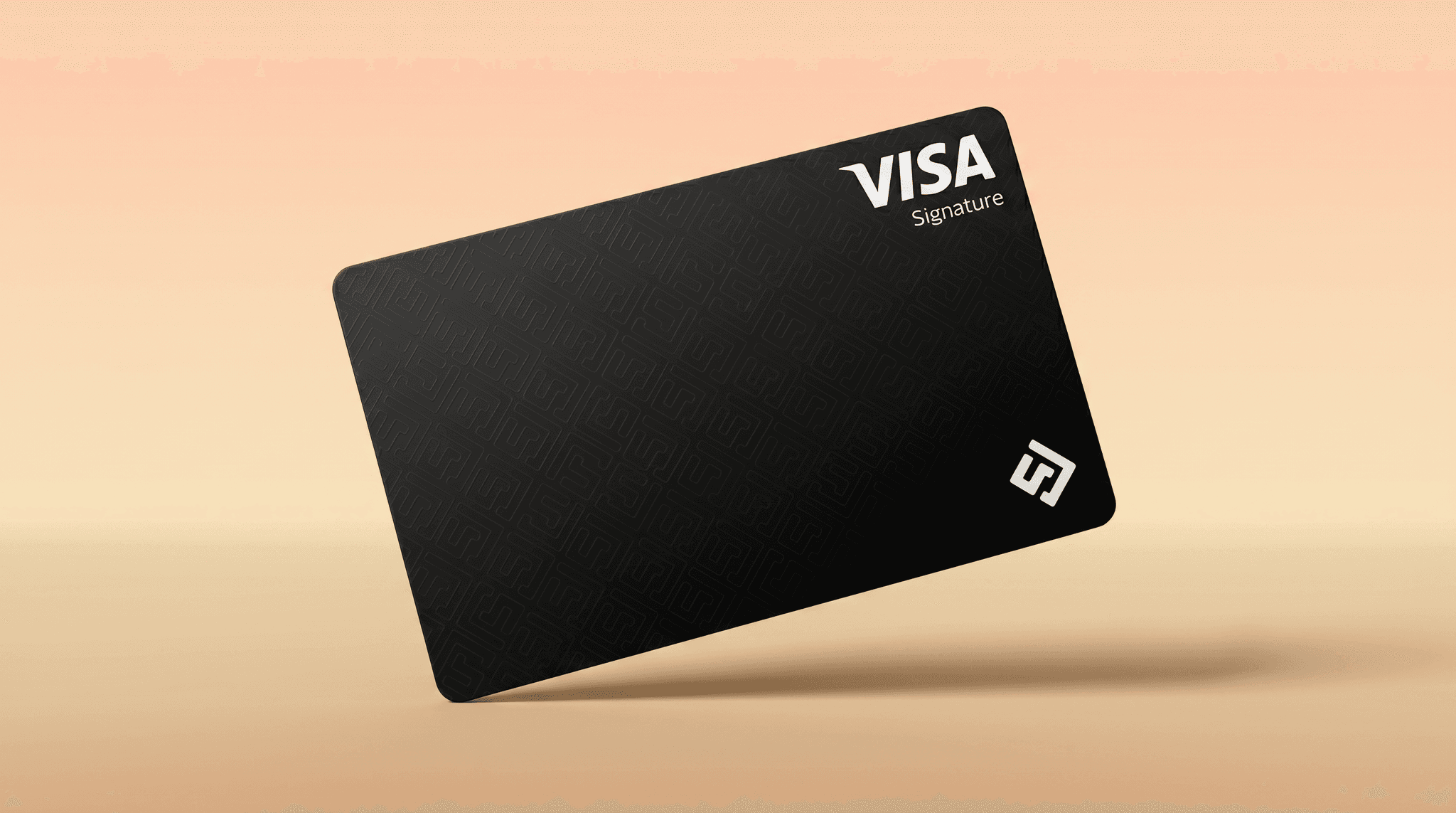
The Kem stablecoin card lets you spend Tether-backed USD in 150+ countries. Free card, no FX surprises, Visa-accepted everywhere.
Kem Stablecoin Card — Spend USDT Anywhere Visa Is Accepted
The Kem stablecoin card is a free Visa card backed by USDT (Tether), the world's largest stablecoin by market cap. It lets you spend your dollar-pegged balance at any Visa-accepting merchant — online, in-store, or abroad — across more than 150 countries, with no hidden conversion fees or FX surprises.
What Is a Stablecoin Card?
The Kem Stablecoin Card — spend USDT anywhere Visa is accepted

A stablecoin card works like a regular Visa debit card, but your balance is held in a stablecoin rather than a traditional bank account. With Kem, your balance is held in USDT — a dollar-pegged digital asset backed 1:1 by real-world reserves. When you swipe or tap your card, USDT is converted at point of sale so the merchant receives standard payment.
The result: you keep the stability of the dollar, the freedom of crypto, and the global acceptance of Visa. No bank account required. No currency conversion mystery.
Why USDT Is the Right Stablecoin for a Spending Card
USDT is the most widely used stablecoin in the world. It maintains a 1:1 peg to the US dollar, making it ideal as a spending base:
- Stable value — no waking up to find your card balance worth 30% less than yesterday
- Widely liquid — trades on hundreds of exchanges and blockchains globally
- Tether-backed — reserves are independently verified through Proof of Reserves attestations
- Instant settlement — stablecoin transactions clear in seconds, not business days
Kem is "Built on trust. Backed by Tether" — a direct investment relationship that gives Kem users confidence in the infrastructure behind their card.
How the Kem Stablecoin Card Works
Getting started takes minutes:
- Download the Kem app and create your account
- Complete identity verification (standard KYC, typically processed quickly)
- Fund your USDT balance — send USDT from any wallet or exchange
- Activate your free Kem Card — virtual card available immediately
- Spend anywhere Visa is accepted — online, in-store, in 150+ countries
Your Kem balance is a unified wallet: USDT, gold, and USD all in one place. Swap between them with a tap.
Where You Can Use the Kem Stablecoin Card
The Kem card runs on the Visa network — the same infrastructure powering hundreds of millions of cards worldwide. That means it works:
- Online — e-commerce sites, subscriptions, digital services
- In-store — physical terminals wherever Visa is accepted
- Travel — hotels, airlines, restaurants across 150+ countries
- GCC and MENA — strong regional acceptance across the Gulf, Levant, and North Africa
Whether you're shopping on Amazon, paying for a hotel in Dubai, or buying coffee in London, the Kem card works.
No FX Surprises. No Hidden Fees.
Traditional bank cards abroad often hit you with:
- 2–3.5% foreign transaction fees
- Dynamic currency conversion markups
- Unfavourable mid-market rate spreads
Kem is built differently. Low fees, transparent pricing, no hidden costs. What you see in the app is what you pay.
Stablecoin Spending Meets Gold and Crypto
The Kem card isn't just about USDT. The Kem app lets you hold and swap between:
- USDT — your everyday spending base
- USD balance — for sending remittances and global payments
- Gold — invest in gold, even send gold to others, all from the app
- Crypto — hold and manage digital assets alongside your spendable balance
Everything lives in one app. Spend what you need. Hold what you want. Send to anyone, anywhere.
Security and Transparency You Can Trust
Kem takes security seriously:
- Proof of Reserves — transparent attestations confirm your funds are fully backed
- Top-tier security — industry-standard encryption and authentication
- Visa network protection — the same fraud protection covering billions of Visa transactions worldwide
- No delays, no hidden holds — instant transaction processing
Frequently Asked Questions
What is a Kem stablecoin card?
The Kem stablecoin card is a free Visa card funded by USDT (Tether). You load USDT into the Kem app and spend it anywhere Visa is accepted, across 150+ countries.
Is the Kem stablecoin card free?
Yes. The Kem card is free to obtain. Kem operates on low fees with no hidden costs.
How is USDT kept stable?
USDT is pegged 1:1 to the US dollar and maintained by Tether, whose reserves are subject to regular attestations. Your Kem balance reflects the current USDT value at all times.
Can I use the Kem card internationally?
Yes. The Kem card is accepted at any Visa merchant worldwide — that's 150+ countries and tens of millions of merchant locations.
Do I need a bank account to get a Kem card?
No. The Kem card connects to your Kem app wallet, not a traditional bank account. Anyone with a smartphone and verified identity can apply.
How do I fund my Kem card?
You fund your Kem card by depositing USDT into your Kem app wallet. You can also hold USD, gold, or crypto and swap to USDT within the app.
Is Kem regulated?
Kem is a Kuwait-headquartered global fintech operating with regional regulatory awareness. The app is backed by Tether and recognized as a winner at the Visa Everywhere Initiative Qatar.
May 20, 2026